My Blog

Content writing

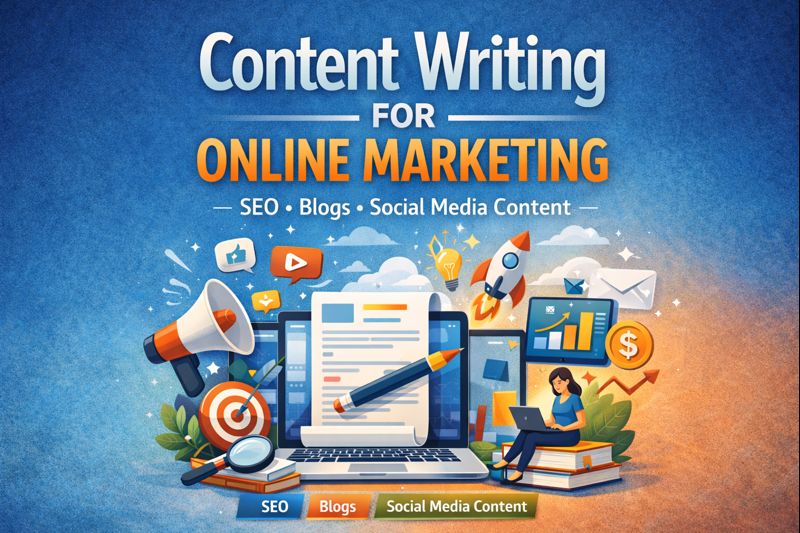
Content Writing for Online Marketing Growth

In today’s digital landscape, online marketing success depends heavily on the quality of content a brand produces. Content writing is no longer just about filling web pages with keywords; it is about creating meaningful, strategic messages that attract, engage, and convert audiences. When done effectively, content writing becomes a powerful engine for sustainable online marketing growth. Content writing is not just about putting words on a page—it’s about delivering value. High-quality content educates, informs, and solves problems for readers. When users find helpful and relevant information, they are more likely to trust a brand and take action, such as subscribing, sharing content, or making a purchase. This is why businesses that invest in strong content strategies often see better engagement and higher conversion rates. The Role of Content in Online Marketing Content is the foundation of all online marketing efforts. From websites and blogs to social media and email campaigns, every digital touchpoint relies on well-crafted content. High-quality content helps brands communicate their value, educate their audience, and guide potential customers through the buying journey. Strong content writing supports online marketing by improving visibility, increasing engagement, and building credibility. Search engines reward valuable and relevant content, while users stay longer on websites that offer clear and helpful information. This combination directly contributes to growth. Strategic Content Drives Visibility and Traffic One of the biggest advantages of content writing is its impact on search engine optimization (SEO). Strategic content is created after thorough keyword research and audience analysis. It targets search intent while maintaining a natural, reader-friendly tone. SEO-optimized blogs, landing pages, and website content help brands rank higher in search results, bringing in consistent organic traffic. Unlike paid ads, this traffic continues to grow over time, making content writing a long-term investment for online marketing success. Engagement That Converts Attracting visitors is only the first step. Content writing plays a critical role in keeping users engaged and encouraging them to take action. Well-structured content with clear messaging, compelling headlines, and strong calls-to-action helps guide users toward conversions. Engaging content answers questions, addresses pain points, and offers solutions. When users feel understood and informed, they are more likely to trust the brand and move forward—whether that means signing up, making a purchase, or requesting a service. Building Trust and Brand Authority Consistent, value-driven content positions a brand as an authority in its industry. Informative blog posts, insightful guides, and helpful website content demonstrate expertise and reliability. Over time, this builds trust with the audience, which is essential for long-term online marketing growth. Trust-driven content also encourages repeat visits and content sharing, expanding a brand’s reach organically. When users rely on your content, your brand becomes their go-to resource. Content as a Long-Term Growth Strategy Unlike short-term marketing tactics, content writing delivers ongoing results. A well-written article or webpage can continue to generate traffic, leads, and engagement long after it is published. Regularly updating and expanding content keeps it relevant and aligned with changing user needs. Strategic content writing supports every stage of the marketing funnel—from awareness to conversion and retention—making it one of the most cost-effective tools for online marketing growth. Conclusion Content writing is a driving force behind successful online marketing. By focusing on strategy, clarity, and audience value, businesses can use content to increase visibility, build trust, and achieve sustainable growth. In a competitive digital environment, investing in high-quality content writing is not just beneficial—it is essential for long-term online marketing success.

website designing

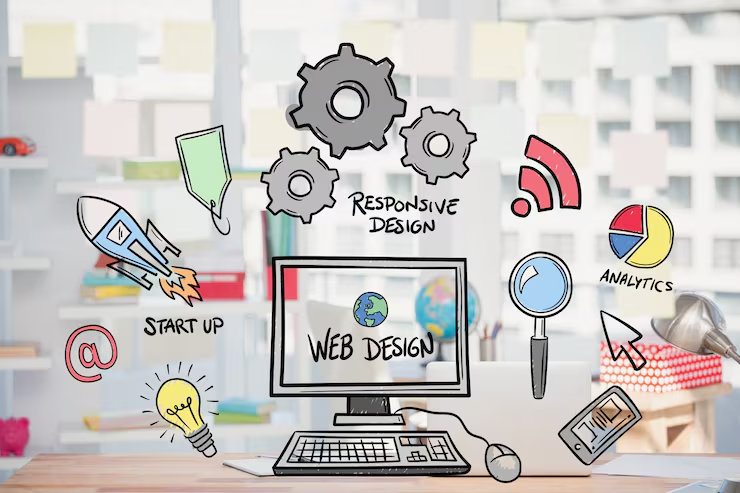
Best Strategies of Website Designing for Beginners

Website design can feel overwhelming for beginners. With countless tools, design trends, and technical terms, it’s easy to lose focus and over complicate the process. However, good website design is not about using advanced features or flashy visuals—it’s about clarity, usability, and purpose. By following a few essential strategies, beginners can design effective, professional-looking websites that deliver real value to users. Start With a Clear Purpose Before designing a single page, beginners should define the purpose of the website. Is it meant to sell products, showcase a portfolio, generate leads, or share information? Understanding the goal helps guide every design decision, from layout and content to navigation and calls to action. A website without a clear purpose often feels cluttered and confusing. When the objective is well-defined, the design becomes more focused, making it easier for users to understand what the website offers and what action they should take. Keep the Design Simple One of the most important strategies for beginners is simplicity. Overloading a website with too many colors, fonts, animations, or sections can overwhelm visitors and reduce usability. Clean, minimal designs are easier to navigate and appear more professional. Beginners should limit themselves to one or two fonts, a consistent color palette, and plenty of white space. White space improves readability and helps users focus on key elements. Simple designs also load faster and perform better across devices. Focus on User Experience (UX) Good website design prioritizes the user experience. Beginners should think from the user’s perspective: how easy is it to find information, move between pages, and complete tasks? Clear navigation menus, logical page structure, and readable content are essential. Menus should be simple and descriptive. Buttons and links should be easy to spot and understand. Important information should be placed where users expect to find it. When users can navigate effortlessly, they are more likely to stay on the site and trust the brand. Design Mobile-First With most users accessing websites on mobile devices, designing for mobile is no longer optional. Beginners should adopt a mobile-first approach, ensuring the website looks and works well on smaller screens before expanding to larger ones. Responsive design techniques allow websites to adapt to different screen sizes automatically. Text should be readable without zooming, buttons should be easy to tap, and images should scale properly. A mobile-friendly design improves usability, credibility, and search engine performance. Choose the Right Colors and Typography Colors and typography play a major role in how a website feels. Beginners should choose colors that align with the brand’s message and create a pleasant visual experience. Using too many bright or conflicting colors can make a website look unprofessional. Typography should prioritize readability. Sans-serif fonts are often easier to read on screens. Line spacing, font size, and contrast between text and background should be carefully considered. Clear typography builds trust and improves accessibility for all users. Optimize for Speed and Performance Website performance is a critical part of design. Slow-loading websites frustrate users and increase bounce rates. Beginners should optimize images, avoid unnecessary animations, and use clean layouts to ensure fast loading times. Compressing images, limiting heavy media files, and keeping design elements lightweight can significantly improve performance. A fast website not only enhances user experience but also contributes to better search engine rankings. Maintain Consistency Across Pages Consistency creates a cohesive and professional experience. Beginners should use the same colors, fonts, button styles, and layout patterns throughout the website. This helps users feel comfortable and confident as they move between pages. Inconsistent design can confuse visitors and make a website feel disorganized. A consistent design system reinforces brand identity and improves usability. Test and Improve Continuously Website design is an ongoing process. Beginners should test their designs by navigating the site themselves, asking for feedback, and observing how users interact with it. Identifying pain points and making improvements over time leads to better results. Small adjustments—such as improving navigation labels, simplifying content, or enhancing contrast—can have a big impact on usability and effectiveness. Conclusion For beginners, successful website design is about mastering the fundamentals rather than chasing complexity. By focusing on clear goals, simplicity, user experience, mobile responsiveness, and consistency, beginners can create websites that look professional and function effectively. With practice, testing, and continuous improvement, these foundational strategies form a strong base for growing design skills and building impact-ful websites.

Graphic designing

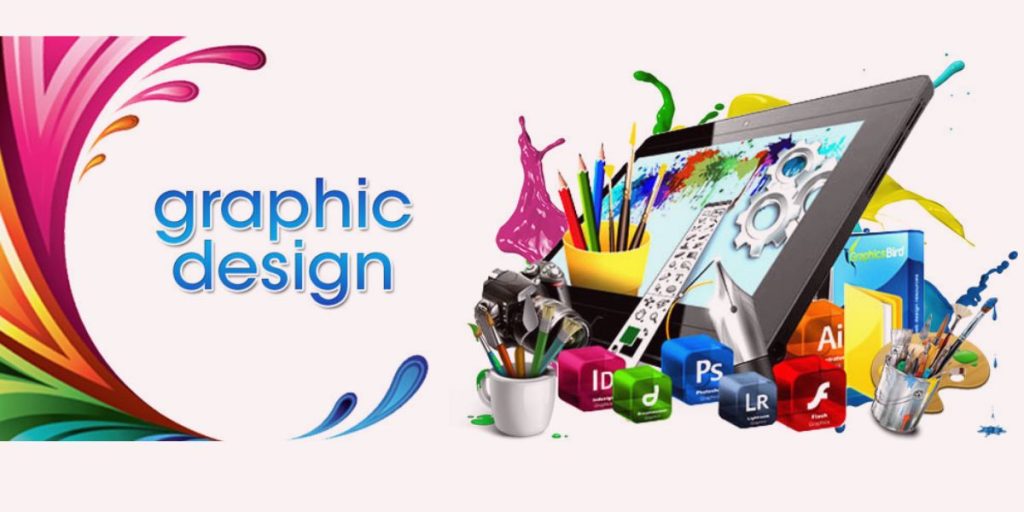
Best Graphic Design Tools for Beginners and Professionals

Graphic design has become an essential skill in today’s digital world. From social media posts and websites to branding and advertisements, visual content plays a crucial role in communication and marketing. Whether you are a beginner just starting your design journey or a professional looking to enhance productivity, choosing the right graphic design tools can make a huge difference. This article explores the best graphic design tools for beginners and professionals, highlighting their features, strengths, and ideal use cases. Why Choosing the Right Graphic Design Tool Matters The right design tool helps you work faster, create high-quality visuals, and bring your ideas to life efficiently. Beginners need tools that are easy to learn with ready-made templates, while professionals require advanced features, customization, and precision. Fortunately, modern design software offers solutions for every skill level and budget. Best Graphic Design Tools for Beginners 1. Canva Canva is one of the most popular graphic design tools for beginners—and for good reason. It offers a simple drag-and-drop interface and thousands of ready-made templates for social media posts, presentations, posters, and more. Key Features: Best For: Beginners, small businesses, content creatorsCanva allows non-designers to create professional-looking graphics in minutes without technical knowledge. 2. Adobe Express Adobe Express (formerly Adobe Spark) is a beginner-friendly tool from Adobe that combines simplicity with powerful design options. It’s perfect for creating social media graphics, short videos, and web visuals. Key Features: Best For: Beginners who want Adobe-quality designs without complexity 3. Figma (Beginner-Friendly Version) Although widely used by professionals, Figma is also beginner-friendly due to its clean interface and cloud-based collaboration. It is especially popular for UI/UX design. Key Features: Best For: Beginners interested in UI/UX design Best Graphic Design Tools for Professionals 4. Adobe Photoshop Adobe Photoshop is an industry-standard tool used by professional designers worldwide. It is ideal for photo editing, digital artwork, and complex graphic designs. Key Features: Best For: Photo manipulation, digital art, marketing visualsWhile it has a steep learning curve, Photoshop offers unmatched flexibility and control. 5. Adobe Illustrator Adobe Illustrator is the go-to tool for vector-based designs such as logos, icons, illustrations, and typography. Key Features: Best For: Logo design, branding, illustrationsProfessionals rely on Illustrator for clean, scalable designs that maintain quality at any size. 6. CorelDRAW CorelDRAW is a powerful alternative to Adobe Illustrator, widely used for vector design and print projects. Key Features: Best For: Print designers and branding professionalsIt’s especially popular among designers who prefer a non-subscription model. Tools Suitable for Both Beginners and Professionals 7. Affinity Designer Affinity Designer bridges the gap between beginner-friendly usability and professional-grade features. It is a cost-effective alternative to Adobe Illustrator. Key Features: Best For: Freelancers and professionals on a budget 8. Inkscape Inkscape is a free, open-source vector graphics editor suitable for both beginners and experienced designers. Key Features: Best For: Budget-conscious designers and learners How to Choose the Right Tool for You When selecting a graphic design tool, consider the following factors: Conclusion Graphic design tools have evolved to cater to both beginners and professionals, making design more accessible than ever. Tools like Canva and Adobe Express are perfect for beginners who want quick results, while Photoshop and Illustrator remain essential for professional designers. Hybrid tools like Figma and Affinity Designer offer flexibility for users at any level. Ultimately, the best graphic design tool is the one that fits your needs, workflow, and creative goals. Start with simple tools, build your skills, and gradually move toward advanced software as your confidence grows. With the right tools in hand, your design potential is limitless.

Scroll to Top